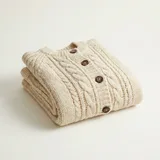
Now on
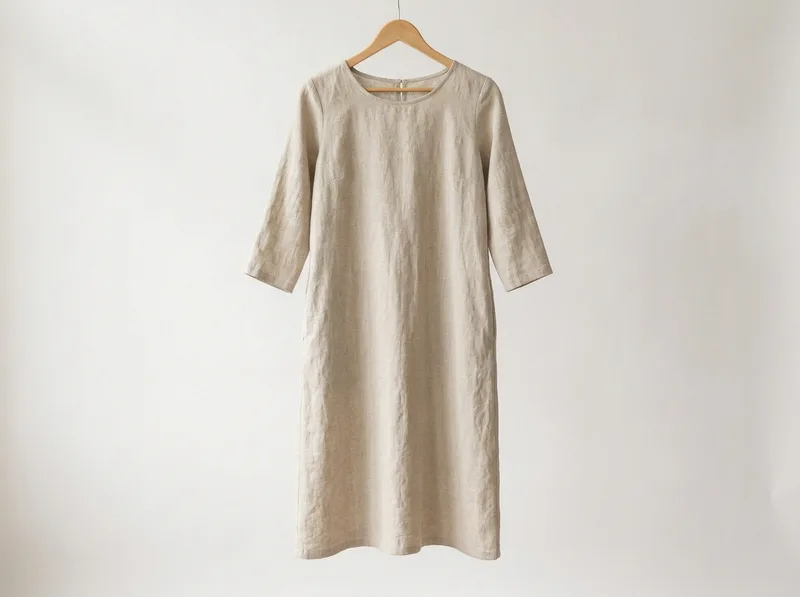 Only 3 left
Beige linen dress
₴1 250,00Add
Pick a product up, tap it, and it is first on every open page. Buyers check out right there, without an account — so orders are effortless to take and send.
No card required · Your page is live in minutes
One link, everywhere you post it
A shop page that keeps up with what you are showing right now.
Your shop lives at its own address, with your logo, your colours and your contact details. Paste it in your bio once and pin it in the comments — it is the same link every stream, so nothing to re-send and nothing for a viewer to lose.
Your customers, your catalogue, your revenue — all yours. Buyers pay into your own connected merchant account, so we never stand between you and your money.
Add products to the feed right there in the stream, and keep the spotlight on whatever you are showing now.
Each order arrives with a name, a phone and a delivery branch — no scrolling back through comments.
TikTok, Instagram, YouTube, Facebook, Telegram — the page works the same beside any of them.
One page, at your link. No app to install and no account to create — they tap and buy.
One link for every stream — with your logo and your colours on it.
The product you just tapped, marked with a live dot so nobody has to ask which one it is.
Add to cart and check out without ever leaving the page — you catch buyers at the peak, while the urge to buy is still hot.
Everything you featured tonight stays below — the running story of your stream, all into the same cart.
Step into our demo shop and take the whole buying journey your shoppers take: the page they land on, the cart they build, the checkout they fill in. Then decide whether this is the right fit for your shop.
A demo shop, open right now
Open the demo shopopens in a new tabThe same engine your shop runs on — only the logo, the products and the address differ.
Exactly what a viewer gets: the promoted product pinned to the top under its live bar, with the rest of the feed below it.
Add a product, go back to the feed, add another — they all land in the same cart, right on the page.
The form opens on top of the page, no account needed — a quick, simple checkout in a few taps. It is a demo shop: nothing is charged and nothing ships.
Add products from your catalogue to the queue, and set the price and quantity you are selling this stream.
Stream where you always do. Put your page link in your bio, in the comments, or straight into a buyer’s DMs.
It becomes the "Now on" card. Viewers tap, check out on the page, and the order lands in your dashboard.
Payments, delivery and CRM wired to the providers your market already runs on — switch provider per market with no code and no core changes.
plata by mono, LiqPay, WayForPay or NovaPay — money settles into your own merchant account.

Nova Poshta, Ukrposhta, Meest, Rozetka Delivery — buyers pick a branch or parcel locker inside checkout.



KeyCRM or SalesDrive — orders land in the system your team already works in.
 SalesDrive


Bring your own API keys — each one is encrypted per shop and never leaves the server.
A small monthly base plus a percentage of sales — with a lower rate as you grow. Start with a 30-day free trial.
For your first live sales.
for the first 30 days, then $9/mo
+ 1.5% of sales
Start free trialFor sellers going live regularly.
for the first 30 days, then $19/mo
+ 1.0% of sales
Start free trialFor high-volume shops & teams.
for the first 30 days, then $69/mo
+ 0.6% of sales
Start free trialSet it up once, pin the link, and let your viewers buy while you talk.